URGENT NEED? Secure your communications today. Contact Crisis Response Team
USE CASES / RESILIENT COMMUNICATIONS

When your communications go down, where does your business go?

Keep critical teams connected when email, chat, calls or sign-in are unavailable or can no longer be trusted.

The problem is bigger than an app going down

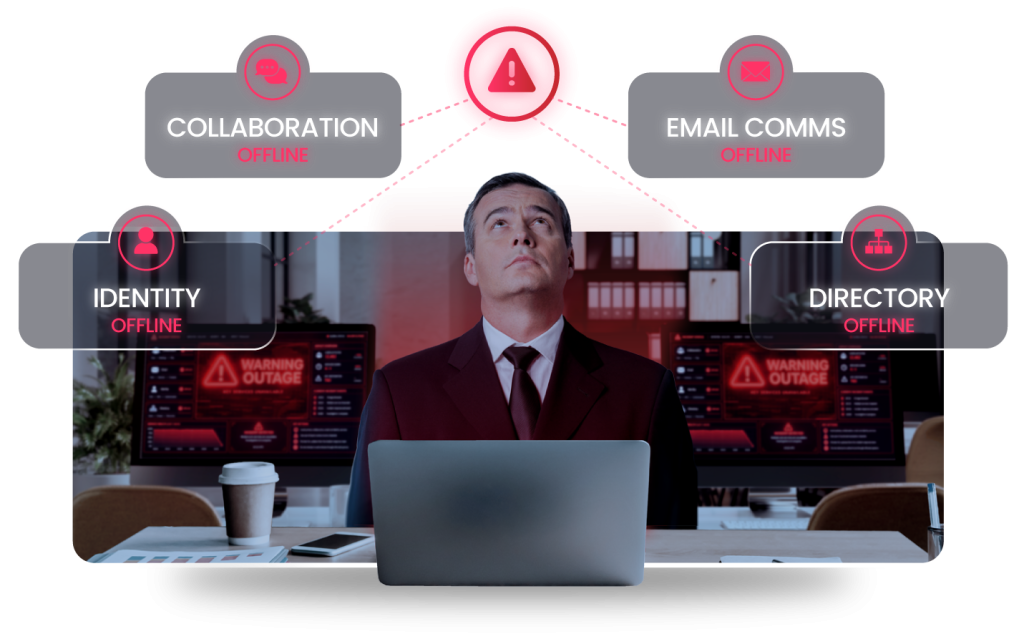
An outage can take email, meetings and messaging offline at the same time. During a cyber incident, those tools may still work even when the accounts, devices or networks behind them can no longer be trusted.

Leadership still needs updates. Security and IT teams still need to coordinate. Legal, communications and business continuity teams need a secure place to make decisions without relying on improvised groups or incomplete contact lists.

One incident. Multiple dependencies.

Whether your organisation uses Microsoft, Google, Apple or a mix of cloud and on-premises tools, map the services your response depends on.

Collaboration and meetings

If Teams, Slack, Google Chat or Meet, Zoom or Webex is unavailable, where does your incident team assemble?

Email and notifications

If Outlook, Exchange, Gmail, iCloud Mail or on-premises mail is down, how do you reach staff, suppliers and other stakeholders?

Identity and
access

If Microsoft Entra ID, Google sign-in, Okta, Active Directory or MFA is affected, can authorised users still sign in?

Mobile messaging and calls

If teams use Apple Messages or FaceTime, WhatsApp, SMS or cloud telephony, which routes still work if a service or carrier is disrupted?

Directories and contact data

If the company directory or synced contacts are inaccessible, can you still reach the people needed for the response?

Networks and devices

If your VPN, corporate network, managed devices or cloud hosting are affected, can critical users still reach the fallback from an approved device and connection?

THE RESILIENCE TEST

Can your fallback survive the same incident?

Test whether teams can sign in, find one another and coordinate when their normal identity service, corporate directory or network is unavailable. A fallback that shares those dependencies can fail at the same time.

Give your teams a secure Safe Haven

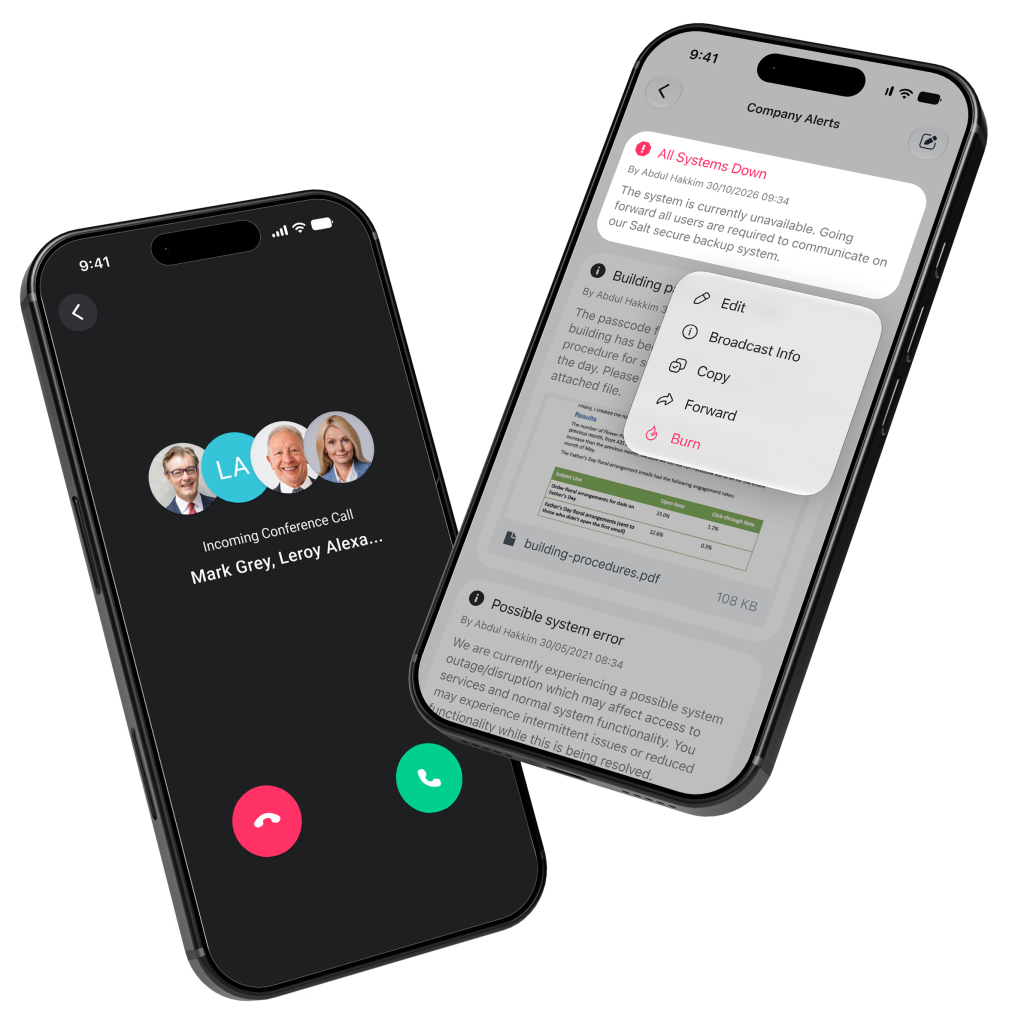
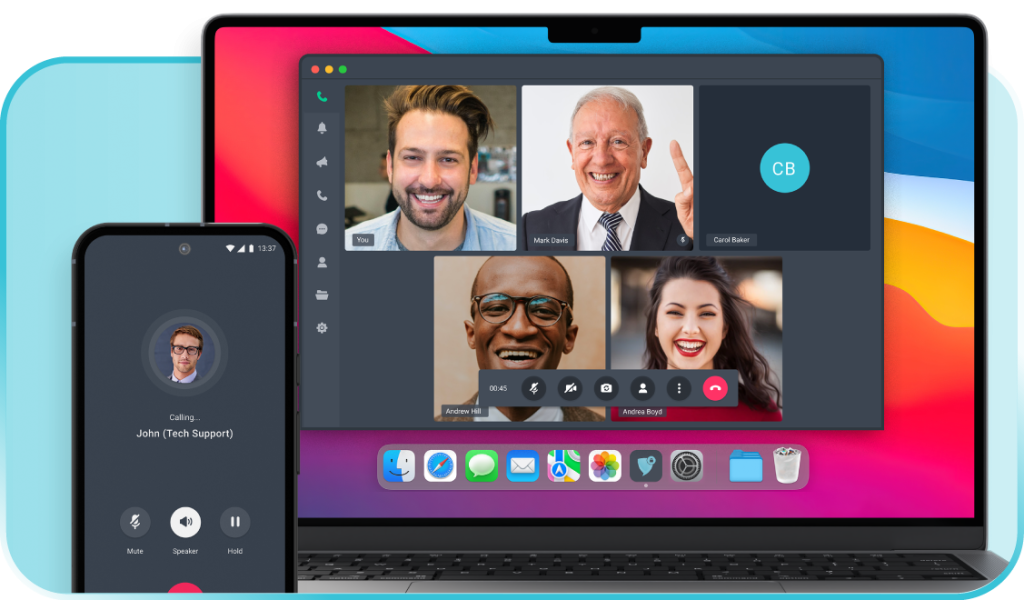
Salt provides a separate, organisation-managed environment where authorised teams can message, call, meet and share sensitive information during an outage or cyber incident.

  • Set up verified users and controlled access in advance.

  • Prepare groups for cyber response, leadership and continuity.

  • Agree when to switch and who can activate the fallback.

  • Set access and retention policies for sensitive updates and decision records.

  • Practise switching over in a tabletop exercise.

Book a 20-minute resilience review

Map the tools your response depends on, walk through an outage scenario and identify practical gaps in your fallback plan.

What outages teach us

Frequently asked questions

Yes. Use your existing tools for everyday work and give critical teams a separate place to coordinate when those services are unavailable or untrusted.

Critical users can access it even if the primary sign-in service, corporate directory or infrastructure is affected. Test the setup against the failure scenarios in your continuity plan.

They can help people make contact. An approved fallback gives the organisation more control over who can join, where sensitive information is shared and how decisions can be traced.

Before disruption, provision the people who would coordinate the response. That typically includes leadership, cyber security, IT, continuity, legal and communications, plus any essential external partners you have authorised.

PLANNING RESOURCES

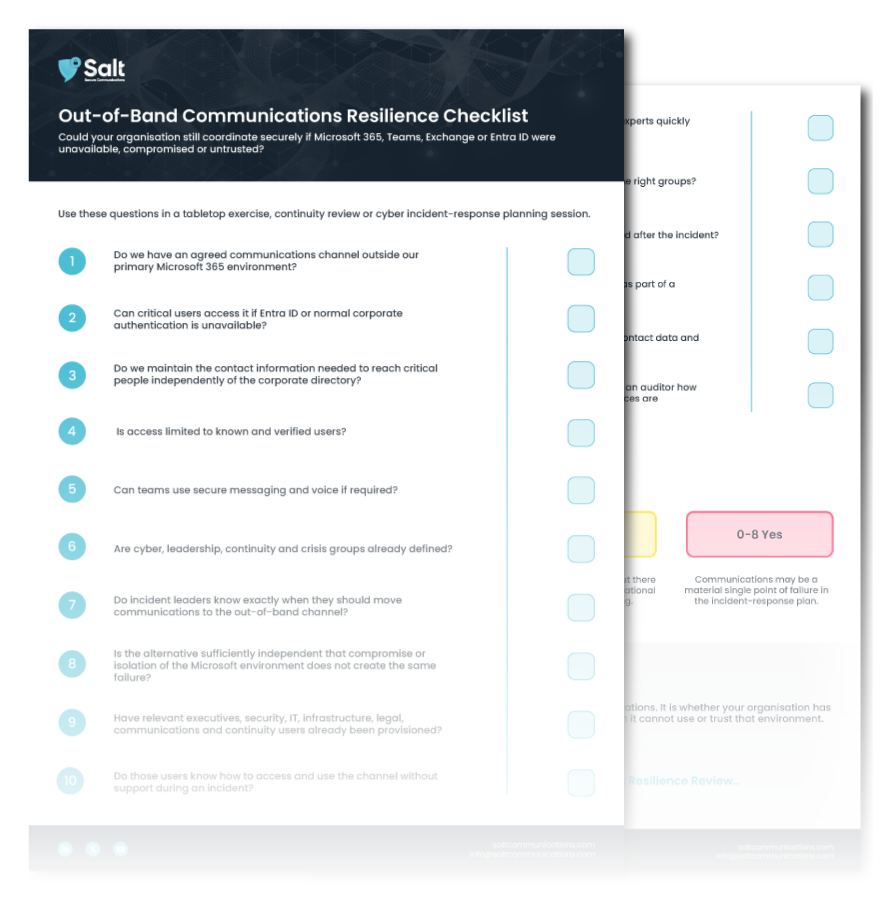
Salt Communications Resiliency Pack

Request the pack from Salt. For your next continuity review or tabletop exercise, start with the out-of-band communications checklist and test your fallback access, contact lists and activation process.

The current checklist uses Microsoft 365 as its worked example.